
01Why stand power should be split into zones
A mid-size stand's power users typically include: lighting, LED screens, audio, demo equipment, demo computers, interactive multimedia installations, and sockets in the meeting area.
If every device is plugged into the same circuit, two problems appear: the total load may exceed a single circuit's capacity; and if one circuit fails, the whole stand goes dark.
Lighting on one circuit; screens and display devices on another; audio and demo equipment on another; power equipment (rotating rigs, fog machines) on its own. A fault on any one circuit leaves the rest working.
02What the venue reviews
| Review item | What they check |
|---|---|
| Total electrical load | Whether the declared total power matches the actual equipment and falls within the venue's allowance |
| Distribution board location | Where the connection point is; the distance from it to the stand determines cable length |
| Cable specification | Whether cable gauge matches the load and flame-retardant cable is used |
| Earthing | Metal structures must be electrically bonded and earthed |
| Earth leakage protection | Whether RCDs are fitted and the trip current is compliant |
| Exposed wiring | Cables must not be exposed where visitors can reach them — use conduit or cable trunking |
03What to submit with the stand approval
- Power application formState the total power, number of circuits and connection point location
- Electrical planMark distribution boards, circuit routes, and light and equipment positions
- Light fixture scheduleModel, wattage, quantity; some venues require certificates of conformity
- Electrician licenceAnyone making connections on site must hold a valid licence
- Structure earthing statementHow metal structures, lighting trusses and LED frames are earthed
Submission review has a deadline and late submissions are not accepted. You cannot start building until it is approved. So the electrical drawings must be issued before the submission deadline.
04Six checkpoints during the build
① Before connection
- Confirm the connection point matches the declaration
- Confirm breaker capacity is sufficient
- Check whether cable length is enough or needs extending
② While wiring
- Keep power and low-voltage cabling separate; keep audio cables away from power cables
- All joints must be inside junction boxes — twisted splices are not allowed
- Cables crossing walkways must be protected with cable ramps
③ Before energising
- Insulation-test each circuit
- Confirm all switches are off
- Confirm there are no short circuits
④ Power-on testing
- Energise circuit by circuit, testing each one
- Test that earth leakage protection trips correctly
- Record the actual current on each circuit
⑤ During the show
- Check distribution boards before opening each day
- Watch for heat, smells and unusual noise
- Keep spare fuses and common lamps on hand
⑥ Power-down at dismantling
- Switch off equipment first, then the main breaker
- Check cables for damage before coiling them
- Clean distribution boards before returning them to the venue
05Five common failures
| Symptom | Common cause |
|---|---|
| A whole block trips | Total load exceeds the declared value, or several high-power devices start at the same time |
| Lights flicker | Poor neutral contact, or sharing a circuit with power equipment |
| Hum from the audio system | Audio cables run parallel to power cables, or poor earthing |
| Screens go black and reboot | Unstable voltage, or power and signal cables bundled together |
| Earth leakage protection trips repeatedly | Damp or damaged wiring — investigate immediately |
CaseRelated projects
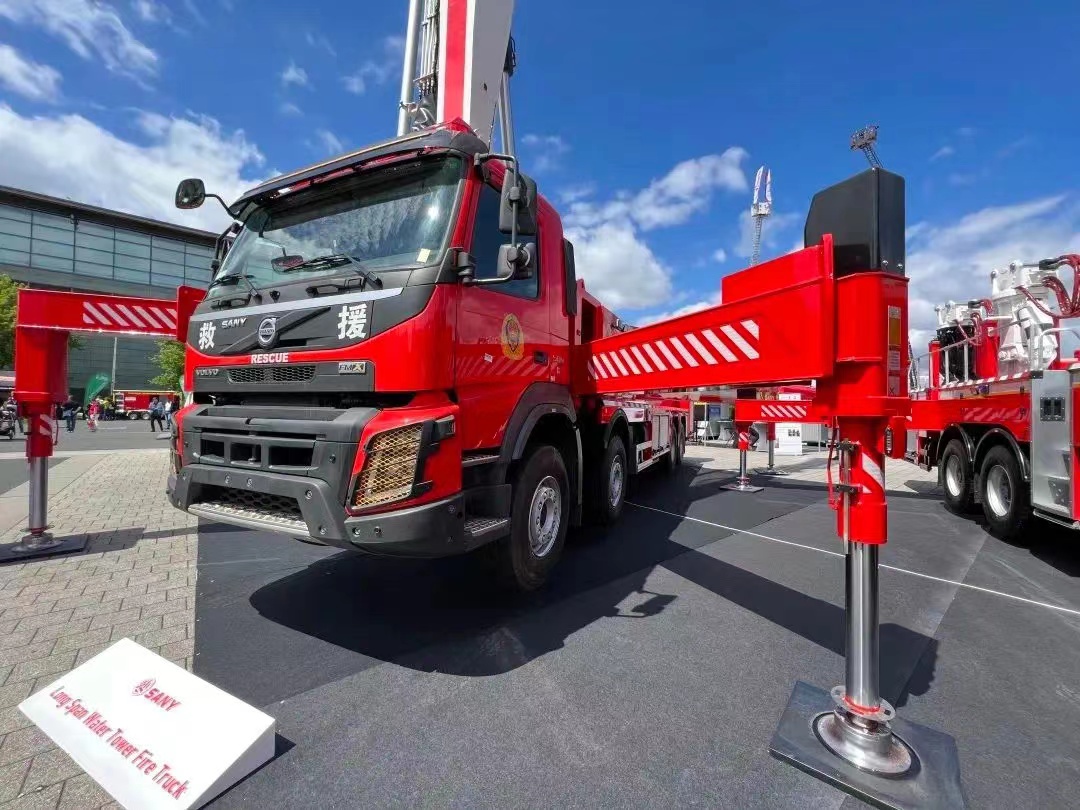
Live demo of a long-span fire truck · High electrical load